

Affiliate Disclosure: BuildWithPC is reader-supported. When you purchase through links on our site, we may earn an affiliate commission at no additional cost to you. Our reviews and recommendations are always honest and independent.
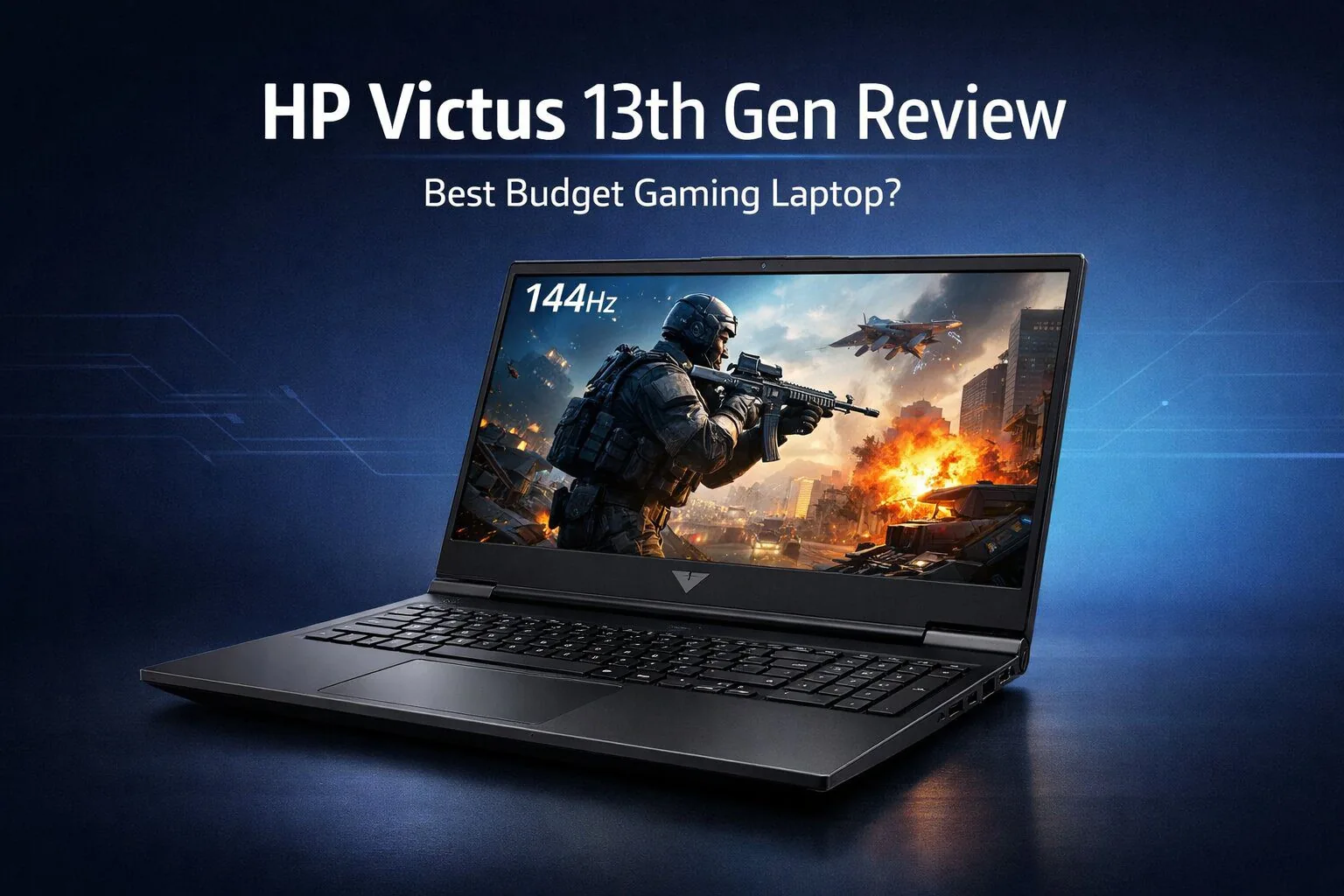
The HP Victus 13th Gen series has been one of the most searched gaming laptops worldwide, and it’s not hard to understand why. It’s apparent that HP’s aiming at students, creators, and casual-to-serious gamers who like the idea of decent gaming performance, up-to-date Intel 13th Gen CPUs to go with strong thermal,s but don’t have the cash for a premium ROG or Alienware system.
I have reviewed multiple HP Victus 13th Gen models (RTX 3050, RTX 4050, RTX 4060 variants) listed on Amazon India and Amazon US, and this article provides a detailed real-world performance video review that covers thermals, display quality, upgradeability options, along with a buyer’s guide beyond just the numbers.
If you are hesitating between Victus vs the other cheap gaming laptops, or you still don’t know what Victus model to get, this detailed article will help you save.
Table of Contents
1: What Is HP Victus 13th Gen?
HP Victus is HP’s value-oriented gaming line, positioned a rung below Omen and a step above Pavilion Gaming. The 13th Gen refresh is mostly about upgrading:
- Intel Core i5-13420H / i7-13700H processors
- Newer RTX 40-series GPUs
- Improved cooling curves
- Improved DDR5 memory support (in some models)
It’s designed for:
- It’s designed for:
- 1080p gaming
- College + gaming hybrid use
- Content creation (video editing, 3D, Blender)
- Long-term upgradability
2: HP Victus 13th Gen – Key Specifications

| Component | Details |
|---|---|
| Processor | Intel Core i5-13420H / i7-13700H |
| GPU | RTX 3050 / RTX 4050 / RTX 4060 |
| RAM | 8GB / 16GB DDR4 or DDR5 (expandable) |
| Storage | 512GB / 1TB NVMe SSD |
| Display | 15.6″ FHD, 144Hz / 165Hz |
| Cooling | Dual fan, dual heat pipe |
| Weight | ~2.3–2.4 kg |
| OS | Windows 11 |
| Battery | 70Wh |
| Charger | 200W |
3: Design & Build Quality – Simple but Practical

The HP Victus doesn’t scream “gaming laptop,” and that’s actually a plus.
What I liked:
- Clean, minimal design
- Solid hinge (better than on the older Victus models)
- Matte finish resists fingerprints
- Full-size keyboard with backlight
What could be better:
- It’s made from plastic (we’ve come to expect that at this price)
- Slight flex near keyboard deck
- No RGB backlit keyboard (white only single-zone backlight)
As a college or office machine, the Victus is far more professional-looking than many of those flashy gaming laptops.
4: Display Quality – Good for Gaming, Average for Creators

Most HP Victus 13th Gen models come with a 15.6-inch Full HD IPS panel.
Real-world display experience:
- 144Hz / 165Hz refresh rate feels smooth in FPS games
- Brightness around 250–300 nits
- Colour coverage ~45% NTSC (≈62% sRGB)
Verdict:
- Excellent for gaming & daily use
- Not ideal for professional colour grading
If you’re into Photoshop or video editing, an external monitor is recommended.
5: Performance Review – Gaming, Editing & Multitasking

CPU Performance (13th Gen Intel)
The i5-13420H actually beats older i7-12th Gen processors in steady-state usage. The i7-13700H is a beast for:
- Video rendering
- Heavy multitasking
- Coding + emulators
- Streaming while gaming
Gaming FPS (1080p, High Settings)
| Game | RTX 3050 | RTX 4050 | RTX 4060 |
|---|---|---|---|
| GTA V | 90+ FPS | 120+ FPS | 140+ FPS |
| Valorant | 200+ FPS | 250+ FPS | 300+ FPS |
| Cyberpunk 2077 | 45–50 FPS | 70 FPS (DLSS) | 90 FPS (DLSS) |
| Warzone | 60 FPS | 90 FPS | 110 FPS |
| Forza Horizon 5 | 70 FPS | 100 FPS | 120 FPS |
6: Thermals & Cooling – Surprisingly Well Tuned

Cooling has come a long way compared to Gen 13 Victus.
- CPU temps: 85–92°C under load
- GPU temps: 70–78°C
- Fans, but not jet-engine loud
- No severe thermal throttling
- Adding a cooling pad reduces temperatures by an additional 5–7°C.
7: Keyboard, Trackpad & Audio
- The keyboard is great, travel is comfortable even for long typing periods
- Backlight brightness is adequate
- Good-sized trackpad (Windows gestures work nicely)
- Bang & Olufsen tuned speakers:
- Clear mids
- Weak bass (headphones recommended)
8: Battery Life – Better Than Most Gaming Laptops
- Casual use: 5–6 hours
- Video streaming: ~5 hours
- Gaming: 1.5–2 hours (plugged recommended)
For a gaming laptop, battery life is above average.
9: Upgradeability & Ports – A Big Win

Upgrade options:
Ports:
- USB-A ×2
- USB-C
- HDMI 2.1
- RJ-45 Ethernet
- Headphone jack
No Thunderbolt, but acceptable at this price.
10: Who Shouldn’t Buy the HP Victus 13th Gen?
Buy it if:
- You are looking for the best value gaming laptop
- You’re a student + gamer
- You want RTX 40-series performance the cheap way
- You plan on upgrading the RAM/SSD later
Skip it if:
- You need a colour-accurate display
- You want an ultra-premium build
- You need Thunderbolt support
11: Final Verdict – Should You Buy HP Victus 13th Gen?
The HP Victus 13th Gen is also one of the most balanced gaming laptops in its respective class. It’s not flashy, and it doesn’t try to be — but where it counts, in performance, thermals, upgradability and value for money, the TUF Gaming A15/TUF Gaming A17 deliver.
So if you are a laptop buyer, the HP Victus with RTX 4050 + 16GB RAM is the right configuration.
It’s not an unbeatable machine, but for its price, it’s hard to beat.
12: Frequently Asked Questions (FAQs)
Q1: What is the price of the HP Victus i7 13th generation in India?
The HP Victus i7 13th Gen price in India usually ranges between ₹95,000 to ₹1,15,000, depending on GPU (RTX 4050/4060), RAM, and offers.
Q2: Is HP Victus discontinued?
No. HP Victus is not discontinued. HP is actively selling 13th Gen Victus models in India and globally.
Q3: Is the HP Victus a high-end laptop?
No. HP Victus is a mid-range gaming laptop, focused on value and performance, not premium flagship features.
Q4: How big is the HP Victus i5 13th generation?
It comes with a 15.6-inch Full HD display, usually with a 144Hz refresh rate.
ALSO READ :
- Best HP Gaming Laptop Under 1 Lakh in 2026 – Top Picks & Buying Guide
- Best HP Laptop For Students Under 40000 – Top Picks for Online Classes & Study
- Best HP Laptop for Students Under 30000 – Top Budget Picks for Study & Online Classes
- Best Graphics Card for Gaming PC Under 80000 (2026 Buyer’s Guide)
Affiliate Disclosure: BuildWithPC is reader-supported. When you purchase through links on our site, we may earn an affiliate commission at no additional cost to you. Our reviews and recommendations are always honest and independent.