

Affiliate Disclosure: BuildWithPC is reader-supported. When you purchase through links on our site, we may earn an affiliate commission at no additional cost to you. Our reviews and recommendations are always honest and independent.
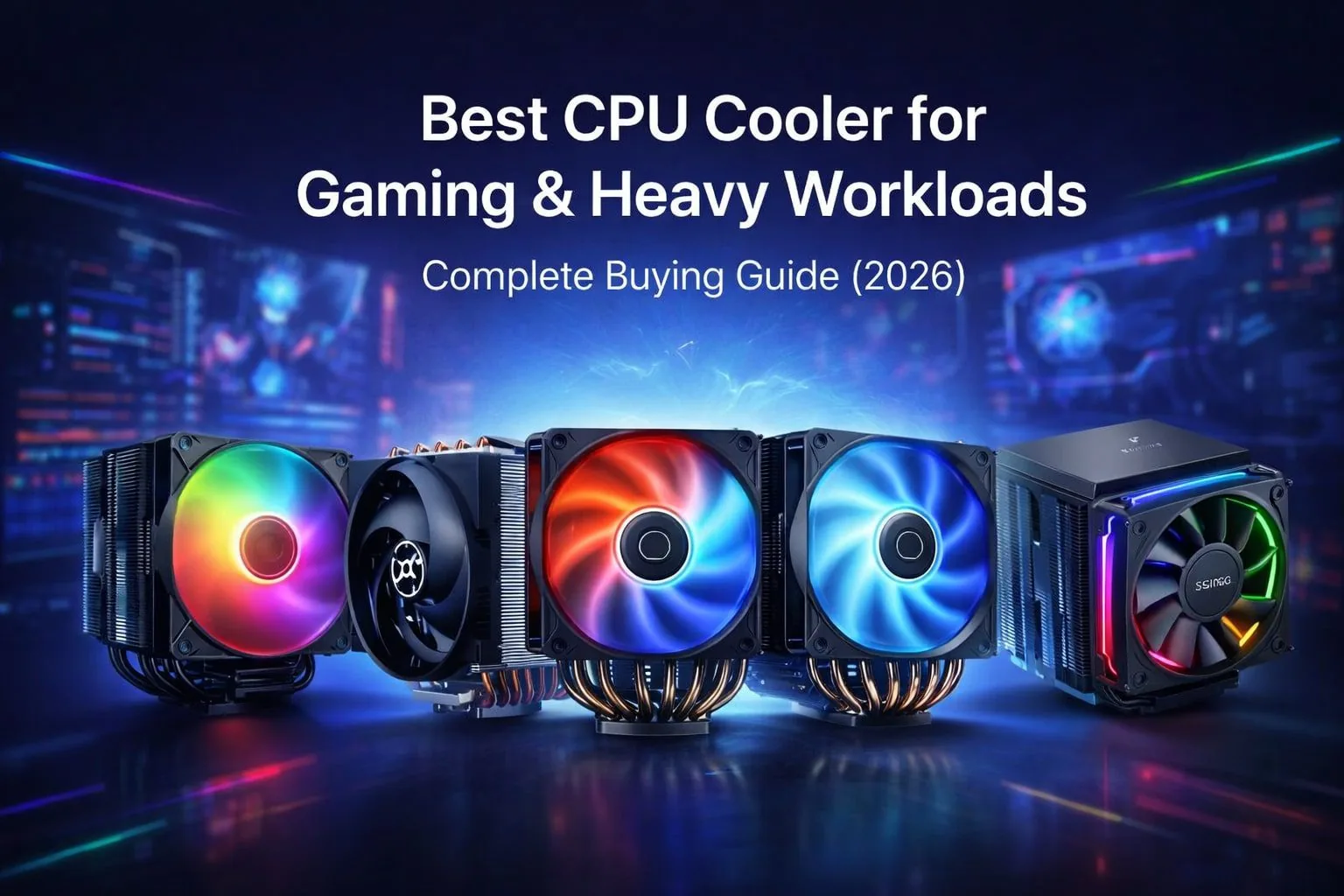
The importance of the Best CPU Cooler for stable gaming and heavy loads. Best CPU Cooler Overall The top options to avoid overheating, reduce noise and prolong your processor’s life; especially during those long gaming sessions with the room temperature reaching uncomfortable levels in 2026.
Table of Contents
1: Best CPU Cooler for Gaming & Heavy Workloads – Complete Buying Guide
If your temperatures are too high, it can lead to frame drops, thermal throttling and even irrevocable hardware failure. A nice cooler means steady performance when gaming, streaming and editing.
air coolers are rugged and demand very low maintenance, whereas Liquid Coolers deliver high peak cooling. For gaming on 2026, where the long gaming sessions are a norm and India’s sweaty weather is a challenge, picking up an effective & VFM (value-for-money) CPU cooler becomes quintessential for uninterrupted performance.
2: Why Choosing the Right CPU Cooler Matters for Gamers & Power Users
A quality CPU cooler impacts FPS consistency, seamless multitasking and system lifespan. Better cooling means CPUs can hold boost frequency (particularly if you’re overclocking, or gaming continuously over long periods). It also minimizes fan noise which means setups can be quieter under load.
However, in the hot Indian condition, due to high ambient temperature, an efficient CPU cooler limits thermal throttling and delivers a consistent performance for power users up to 2026.
3: Best CPU Cooler for Gaming & Heavy Workloads (Top Picks)
3.1: ARCTIC Freezer 36 A-RGB (Black)

The ARCTIC Freezer 36 A-RGB is a CPU cooler for high-performance gaming, designing and office applications. Featuring push-push fan configuration and ARGB lighting, it offers ideal thermal response and noise level as well as nice quality.
It is also an extremely reliable option which, combined with package including enough MX-6 thermal paste to last several lifetimes, makes this cooler a best value pick for the enthusiast.
Key Features
| Feature | Details |
|---|---|
| Fan Setup | Dual 120mm Push-Pull |
| Speed Range | 200–2000 RPM |
| Heat Pipes | 4 |
| Bearing Type | Fluid Dynamic Bearing |
| Thermal Paste | MX-6 Included |
| RGB | Addressable RGB |
Best For
Mid-to-high-end gaming PCs, creators needing quiet cooling, and users who want strong thermals with tasteful RGB aesthetics.
3.2: Cooler Master Hyper 620S ARGB

The Hyper 620S ARGB from Cooler Master is a heavy-duty dual-tower CPU cooler designed to cool high-performance processors. Equipped with six nickel-plated heat pipes and the twin 120mm fans, it can withstand demanding gaming and creative works. Comes with the CryoFuze thermal paste, which increases out-of-the-box performance.
Key Features
| Feature | Details |
|---|---|
| Design | Twin Tower |
| Fans | Dual 120mm ARGB |
| Heat Pipes | 6 Nickel-Plated |
| Thermal Paste | CryoFuze Included |
| Socket Support | Latest Intel & AMD |
Best For
High-end gaming rigs, overclocked CPUs, and users seeking top-tier air cooling.
3.3: Ant Esports ICE C621 ARGB

The Ant Esports ICE C621 targets budget-conscious gamers who still want dual-fan cooling and ARGB flair. With direct contact heat pipe technology and broad socket support, it delivers dependable thermal performance for mainstream CPUs while maintaining an aggressive gaming look.
Key Features
| Feature | Details |
|---|---|
| Fan Setup | Dual 120mm ARGB |
| Heat Pipes | 4 (Direct Contact) |
| Socket Support | Intel & AMD |
| Design | All-black |
| Control | PWM |
Best For
Entry-to-mid-level gaming builds and users upgrading from stock CPU coolers.
3.4: Ant Esports V8 Digital CPU Air Cooler

The Ant Esports V8 Digital stands out with its integrated LED temperature display, offering real-time CPU monitoring without software. Combined with dual 120mm fans and ARGB lighting, it blends visual appeal with practical functionality for modern gaming systems.
Key Features
| Feature | Details |
|---|---|
| Fan Setup | Dual 120mm |
| Display | LED CPU Temperature |
| Heat Pipes | Multi-pipe Design |
| Socket Support | Intel & AMD (Latest) |
| RGB | Addressable |
Best For
Gamers who value visual feedback, RGB aesthetics, and easy temperature monitoring.
3.5: ARCTIC Freezer 4U-M

Designed for workstation and server environments, the ARCTIC Freezer 4U-M prioritizes stability, compatibility, and sustained cooling under heavy loads. It supports a wide range of Intel Xeon and AMD Threadripper platforms, making it ideal for enterprise-grade systems where reliability matters more than RGB or aesthetics.
Key Features
| Feature | Details |
|---|---|
| Form Factor | 4U Single Tower |
| CPU Support | Xeon, SP3, sTR5, TR4 |
| Cooling Focus | Continuous Load |
| Build Type | Industrial-grade |
| Noise Profile | Optimized for servers |
Best For
Workstations, servers, and professional systems running long, CPU-intensive workloads.
4: Comparison Table
| Cooler Name | Fan Configuration | Heat Pipes | Socket Support | Noise Level | Best Use Case |
|---|---|---|---|---|---|
| ARCTIC Freezer 36 A-RGB | Dual 120mm (Push-Pull) | 4 | Intel LGA 1700 / AMD AM5, AM4 | Low to Moderate | High-performance gaming PCs and creator systems needing quiet, efficient cooling |
| ARCTIC Freezer 4U-M | Single high-pressure fan | Optimized for 4U | Intel Xeon, AMD SP3, sTR5, TR4 | Low (Server-tuned) | Workstations and servers running continuous heavy workloads |
| Ant Esports ICE C621 ARGB | Dual 120mm ARGB | 4 (Direct Contact) | Intel LGA 1700/1200/115X, AMD AM5/AM4 | Moderate | Budget to mid-range gaming builds upgrading from stock coolers |
| Cooler Master Hyper 620S ARGB | Dual 120mm ARGB (Twin Tower) | 6 (Nickel-Plated) | Latest Intel & AMD sockets | Low | High-end gaming, overclocking, and heavy multitasking |
| Ant Esports V8 Digital | Dual 120mm ARGB | Multi-pipe design | Intel LGA 1851/1700/1200, AMD AM5/AM4 | Moderate | Gamers who want RGB aesthetics with real-time temperature monitoring |
5: How to Choose the Best CPU Cooler for Your PC
CPU Socket support (Intel and AMD platform)
The first step is always the band support. Most modern coolers now support Intel LGA 1700/1851 and AMD AM5/AM4, but workstation CPUs such as Threadripper or Xeon have their own unique coolers.
Cabinet Clearance & RAM Height
Air Coolers come in different height and width. Don’t forget to measure case clearance and RAM height to prevent any installation nightmares, especially with dual-tower coolers.
TDP Rating & Workload Type
Match the cooler’s TDP to your CPU usage. Gaming and stressing require more thermal headroom than office work.
Noise vs Performance Balance
High RPM fans cool better, but they also get louder. Search for PWM fans and fluid dynamic bearings for less noise.
RGB vs Non-RGB (Looks vs Cash)
Picture quality is decent at 1080p (though not as good as the BenQ) and it’s great to see RGB there, if slightly increasing cost. Non-RGB coolers will tend to be more bang for your buck if cooling performance trumps aesthetics.
6: Best CPU Cooler for Different Use Cases
Best for Gaming PCs
Dual-fan air coolers maintain even performance during action-packed gaming.
Best for Streaming & Editing
Larger coolers are able to manage sustained workloads without thermal throttling.
Best for Overclocking
Twin-tower, multi-heat-pipe coolers provide a better thermal budget.
Best Budget CPU Cooler
Cheap single or dual-fan coolers beat the stock option.
Heavy Workloads & Rendering Runner-Up
Serve grade or high TDP coolers maintain higher cooling performance.
7: Common CPU Cooling Mistakes to Avoid
Performance comparison
Liquid coolers offer slightly better peak cooling for high-end CPUs, while modern air coolers easily handle gaming and productivity loads.
Cost & maintenance
Air coolers are cheaper, easier to install, and need almost zero maintenance. Liquid coolers cost more and carry pump or leakage risks long-term.
Indian climate suitability
Air coolers perform reliably in hot, dusty Indian conditions with fewer failure points.
Clear recommendation for 90% users
For most users in 2026, a quality air cooler delivers the best balance of performance, durability, and value.
8: Conclusion – Which CPU Cooler Should You Buy?
Pick a budget air cooler for occasional gaming, a dual-tower or large air cooler for regular gaming, streaming and moderate workloads, or something even enthusiast-grade either in the part of an expensive air cooler or liquid-cooler.
Each of them is a good, budget-friendly choice. Be sure to find the best deal via the provided product links, and also ensure that your CPU is stable in 2026.
9: Frequently Asked Questions (FAQs)
Q.1: What is the best CPU cooler?
The best CPU cooler depends on your usage. For gaming and heavy workloads, high-quality dual-tower air coolers offer excellent performance, reliability, and value in 2026.
Q.2: What is a good brand of CPU cooler?
Well-known brands like Cooler Master, ARCTIC, and Ant Esports are trusted for consistent cooling, build quality, and wide CPU compatibility.
Q.3: Which is the best budget CPU cooler?
Budget air coolers with single or dual fans are ideal for entry-level gaming PCs, offering much better performance than stock coolers.
Q.4: Is cooler better than AC?
A CPU cooler manages processor heat, while an AC cools the room. Both serve different purposes and cannot replace each other.
Recent Posts
- Best Brother Printer For Office Use: Complete Buying Guide for Small & Large Offices
- Best HP Laserjet Printer: Complete Buying Guide, Features & Price in 2026
- Best CCTV Power Supply in 2026 – Buying Guide, Price & Safety Tips
- Best RAM for Gaming in 2026: Top Picks for Speed, Performance & Value
- Best CPU power supply in 2026 – Buying Guide, Wattage & Top Picks
- Best RAM for Laptop in 2026: How to Choose the Right Memory for Speed & Multitasking
Affiliate Disclosure: BuildWithPC is reader-supported. When you purchase through links on our site, we may earn an affiliate commission at no additional cost to you. Our reviews and recommendations are always honest and independent.