

Affiliate Disclosure: BuildWithPC is reader-supported. When you purchase through links on our site, we may earn an affiliate commission at no additional cost to you. Our reviews and recommendations are always honest and independent.
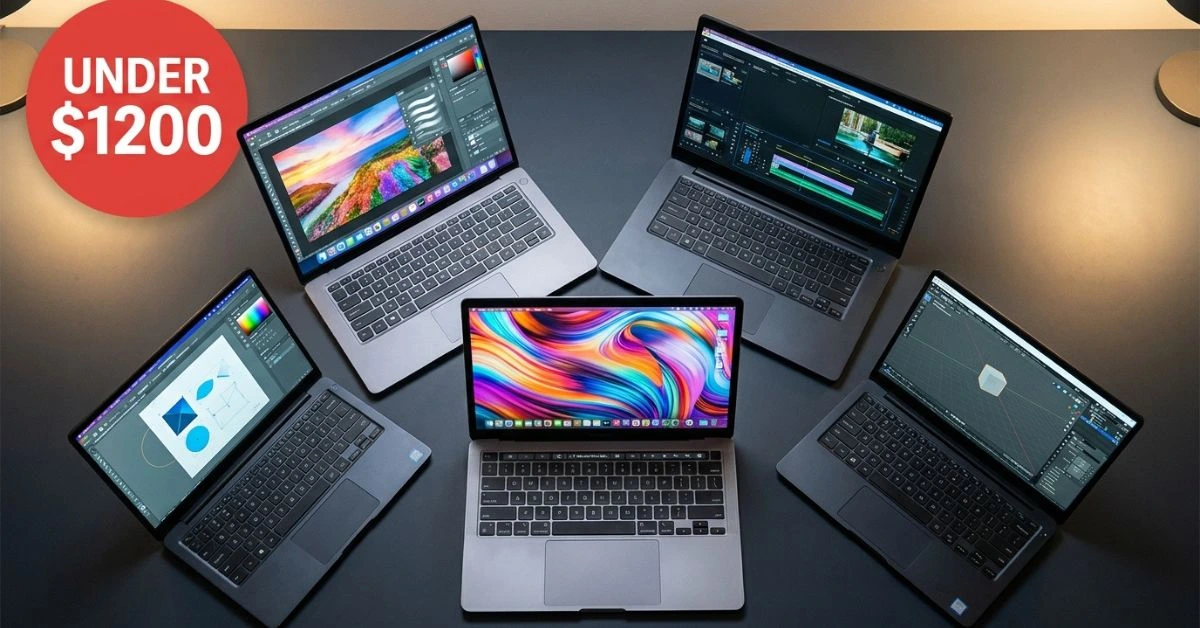
The best laptop for content creators under $1200, 2026 buyers can find is harder to pin down than it should be, because the budget hides a trap. At this price, almost every machine forces a choice: a gorgeous color-accurate screen, or a real discrete graphics chip — rarely both. Most buyers find that out only after the box is open.
This guide compares five creator laptops people actually shop for at this budget, using specs confirmed straight from current Amazon listings, and matches each one to the kind of creator it genuinely suits — video editing, photo editing, design, or general productivity. No invented benchmarks, no spec-sheet worship. Let’s get into it.
Quick Answer
For most content creators under $1200, the GEEKOM GeekBook X14 Pro ($1,034) is the best all-around value: a Core Ultra 9 185H, a 14″ 2.8K OLED panel, and 2.2 lbs of portability make it an excellent video editing and photo editing machine. If screen quality for photo and design work is your top priority, the ASUS ProArt PZ13 OLED is the color pick.
Need raw RAM headroom for heavy multitasking and productivity? The 40GB Acer Aspire wins. All five use integrated graphics, so they excel at creative and productivity workloads but only handle light gaming — not demanding AAA titles or fast 4K renders.
Table of Contents
- What creators actually need under $1200
- The 5 laptops compared
- At-a-glance comparison table
- Country pricing
- Common mistakes buyers make
- FAQ
- Final verdict
Here’s what I see people get wrong all the time, especially in the US market: they search for a “gaming laptop” at this budget expecting an RTX-class GPU, then buy a thin-and-light creator machine with integrated graphics because it looked premium in the listing photos. Both are valid tools, but they are not the same tool.
For content creation — photo editing, design, writing, audio, or 1080p and 4K video — integrated graphics on a modern Intel or Snapdragon chip is genuinely capable, and you get a far better display and lighter chassis in return. If you instead need heavy 3D, GPU-accelerated rendering, or serious gaming, you want discrete graphics, and at $1200, that usually means a thicker, heavier laptop with a lower-quality panel.
Decide which creator you are first; the laptop follows from that. If discrete graphics is what you actually need, our best gaming laptops under $1000 guide covers RTX options directly.
What to look for in the best laptop for content creators under $1200 2026
Strip away the marketing, and a creator laptop comes down to four things: the display, the processor, memory and storage, and portability. Get those right for your workflow, and the rest is detail.
Display: the spec that matters most in a creator laptop
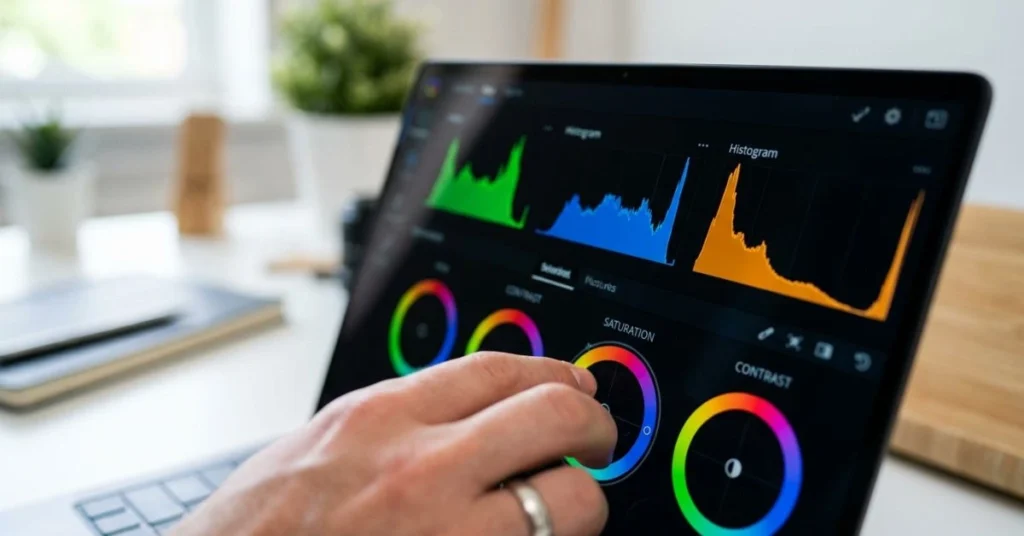
For visual work, the panel is the tool you stare at all day. An OLED or high-quality IPS screen with wide color coverage (look for figures quoted against sRGB, DCI-P3, or Adobe RGB) is what separates a creator laptop from a generic one. OLED panels like those on the GeekBook X14 Pro and ProArt PZ13 deliver deep contrast and rich color; standard FHD IPS panels on cheaper 15-inch machines are fine for editing video timelines but less trustworthy for color grading. Resolution matters too — a sharper panel shows you detail your audience will see.
Processor and graphics
A fast multi-core CPU drives encoding, rendering, and running several creative apps at once. Intel’s Core Ultra and 12th-gen Core i7 chips, AMD’s Ryzen, and Qualcomm’s Snapdragon X all handle photo and light video work comfortably. The honest caveat: every laptop in this roundup uses integrated graphics. That is the spec most people overpay for — they chase a “gaming” label and a discrete GPU they will rarely push, when integrated graphics already cover photo editing, design, and 1080p video. The spec most people ignore is sustained cooling: a chip that boosts high but throttles under a 20-minute export will feel slower than its numbers suggest.
Memory, storage, and budget tiers
Content creation eats RAM. 16GB is the floor for comfortable editing; 32GB is the sweet spot if you keep many tabs and apps open, and one machine here ships with 40GB. Storage should be a fast NVMe SSD — project files and 4K footage fill space quickly. Roughly, the budget tiers break down like this: around $1,000 buys you a strong all-rounder, $1,050–$1,160 buys premium displays or extra memory, and $1,200 is the ceiling where you start expecting flagship panels and CPUs. If you want to understand memory speeds in depth, our DDR5 RAM guide explains why bandwidth matters for creative workloads.
The 5 best laptops for content creators under $1200 in 2026
Each laptop below is reviewed at equal depth using only specs confirmed from its current Amazon listing, so you can judge the best laptop for content creators under $1200 2026 on real data. Where a figure was not shown on the page, it’s marked so you can verify it yourself before buying.
GEEKOM GeekBook X14 Pro – 2026
Overview
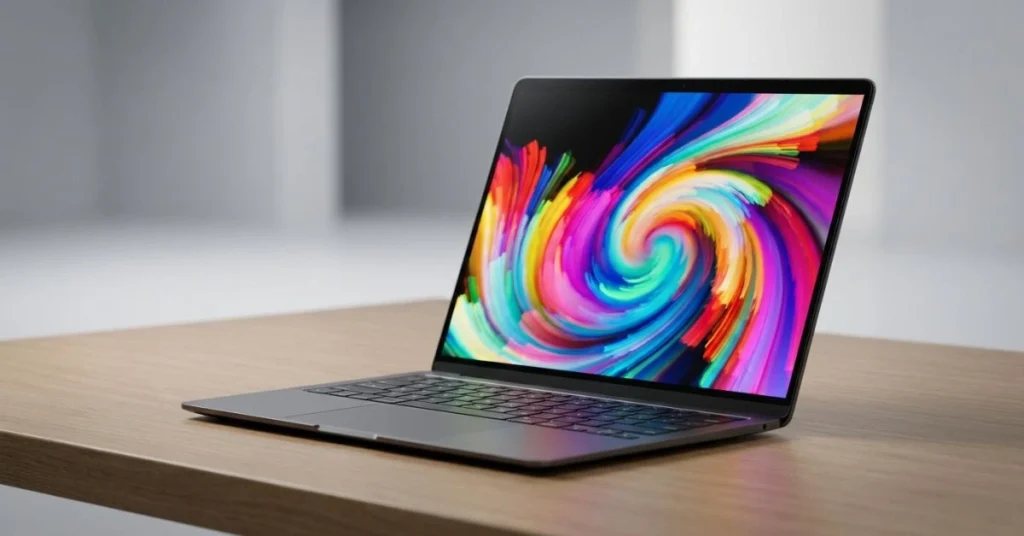
The GeekBook X14 Pro is the most balanced creator pick on this list. It pairs an Intel Core Ultra 9 185H with a 14-inch 2.8K OLED display, 32GB of fast LPDDR5x-7500 memory, and a 1TB SSD, all in an aerospace-grade magnesium-alloy body that weighs just 2.2 lbs. At a listed $1,034.10 (10% off a typical $1,149), it undercuts most rivals while offering the strongest CPU here.
GEEKOM built its name on stable, reliable mini PCs, and that focus on long-term dependability carries into this thin-and-light. For a creator who values a great screen and portability for video and photo editing, it’s hard to beat at this price.
Full Specifications
| Spec | Detail |
|---|---|
| Price (USD) | $1,034.10 (typical $1,149) |
| Processor | Intel Core Ultra 9 185H |
| Graphics | Integrated (Intel Arc) |
| RAM | 32GB LPDDR5x 7500MHz |
| Storage | 1TB SSD |
| Display | 14″ 2.8K OLED |
| Battery | Up to 16 hours |
| Weight | 2.2 lbs |
| Ports | 2x USB4 |
| Other | Fingerprint reader, magnesium-alloy body, 1+1 yr warranty |
| OS | Windows 11 Pro |
Real-World Performance
The Core Ultra 9 185H is a capable mobile chip for photo editing in Lightroom and Photoshop, audio production, and 1080p video work in Premiere Pro or DaVinci Resolve. The 2.8K OLED panel is the standout for color-critical tasks. As with any integrated-graphics laptop, expect 4K timelines with heavy effects to rely on the CPU rather than a dedicated GPU, so complex exports will be slower than on a discrete-GPU machine. Battery life rated up to 16 hours supports genuine all-day, on-the-go editing.
Pros
- Strongest CPU in this roundup (Core Ultra 9 185H)
- Excellent 14″ 2.8K OLED display for color work
- Very light at 2.2 lbs with a premium magnesium-alloy build
- Fast 32GB LPDDR5x-7500 memory and dual USB4 ports
Cons
- Integrated graphics — light gaming only, not for AAA titles or fast 4K rendering
- Soldered LPDDR5x memory cannot be upgraded later
- GEEKOM has a smaller US service footprint than HP, Acer, or Lenovo
Who Should Buy This
Creators who want the best blend of screen quality, CPU power, and portability under $1,050, and who do photo, design, audio, or 1080p video work.
Who Should NOT Buy This
Anyone who games seriously or renders heavy 3D and 4K video daily — you need a discrete GPU. Also, skip it if local service and a large support network are dealbreakers.
Expert Verdict
The GeekBook X14 Pro is the value champion here: flagship CPU, OLED screen, and featherweight build for just over a grand. Buy it as a portable video and photo editing machine — it handles light gaming, but that’s a bonus, not the point.
ASUS ProArt PZ13 2-in-1 AI Creator Laptop – 2026
Overview
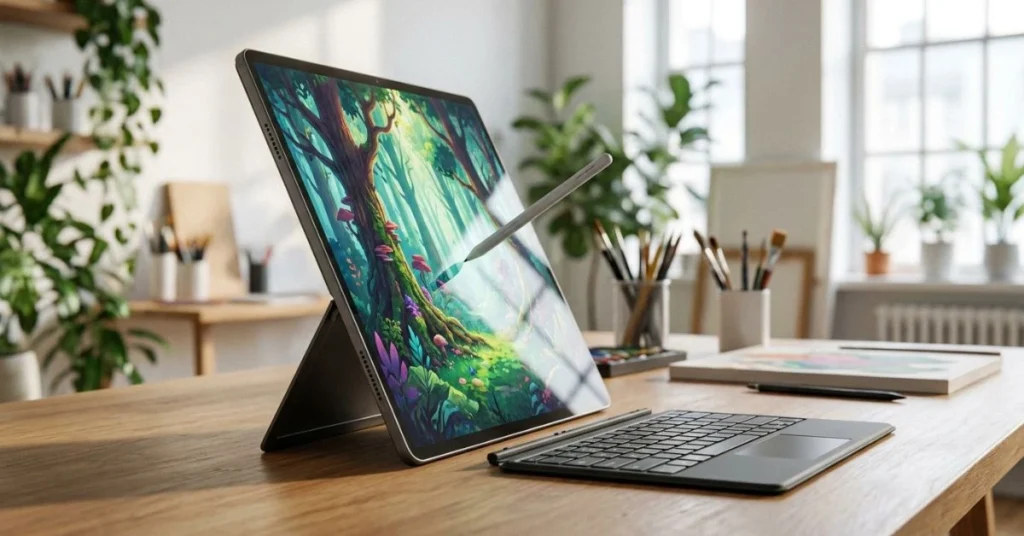
The ProArt PZ13 takes a different approach: it’s a detachable 2-in-1 tablet built around a 13.3″ Touch OLED 3K display, aimed squarely at creators who sketch, retouch, and work in tablet mode. It runs a Qualcomm Snapdragon X Plus X1P-42-100 chip, with 16GB of LPDDR5X memory and a 1TB SSD. The listed price is $1,159.99 for the Windows 11 Pro style, or $1,149.99 for Windows 11 Home.
ASUS positions the ProArt line as its creator brand, and the PZ13’s OLED panel and detachable form factor make it the most display-focused option in this group. WiFi 7 support is a forward-looking touch.
What reviewers rarely mention is the Snapdragon catch: this is an ARM-based Windows machine, so a handful of older creative plugins and some specialized apps may run through emulation or not at all. Mainstream tools like Photoshop, Lightroom, and the latest Premiere builds have native ARM versions, but check your exact plugin stack before committing — it’s the one thing that trips up creators moving from an Intel or AMD laptop.
Full Specifications
| Spec | Detail |
|---|---|
| Price (USD) | $1,159.99 (Win 11 Pro) / $1,149.99 (Win 11 Home) |
| Processor | Qualcomm Snapdragon X Plus X1P-42-100, 3.2 GHz |
| Graphics | Integrated (Qualcomm Adreno) |
| RAM | 16GB LPDDR5X |
| Storage | 1TB SSD |
| Display | 13.3″ Touch OLED 3K |
| Form factor | 2-in-1 detachable |
| Connectivity | WiFi 7 |
| Battery | Confirm on Amazon |
| Weight | Confirm on Amazon |
| OS | Windows 11 Pro (Home variant available) |
Real-World Performance
The Snapdragon X Plus is efficient and quiet, well-suited to photo editing, illustration, writing, and light video on native Arm apps. The 3K OLED touchscreen is the reason to buy this machine — it’s excellent for color work and pen input in tablet mode. With 16GB of RAM, it’s better suited to focused single-project editing than heavy multi-app multitasking, and like the others here, it leans on integrated graphics for any video rendering.
Pros
- Stunning 13.3″ 3K OLED touchscreen for color-critical work
- Detachable 2-in-1 design ideal for sketching and retouching
- Efficient Snapdragon chip with strong battery potential and quiet operation
- WiFi 7 and a 1TB SSD at a creator-focused price
Cons
- Arm/Windows app compatibility needs checking for niche plugins
- 16GB RAM is the lowest here — tighter for heavy multitasking
- Smallest screen (13.3″), which some editors find cramped
Who Should Buy This
Illustrators, photo editors, and designers who want the best display and a tablet mode, and who use mainstream Arm-compatible creative apps.
Who Should NOT Buy This
Anyone reliant on x86-only software or niche plugins, or creators who need 32GB+ of RAM for heavy multitasking.
Expert Verdict
The ProArt PZ13 is the display and form-factor pick for visual creators. Confirm your software runs natively on Arm, and the OLED panel rewards you every day.
HP 2025 Flagship 15.6″ FHD Touchscreen Laptop – 2026
Overview
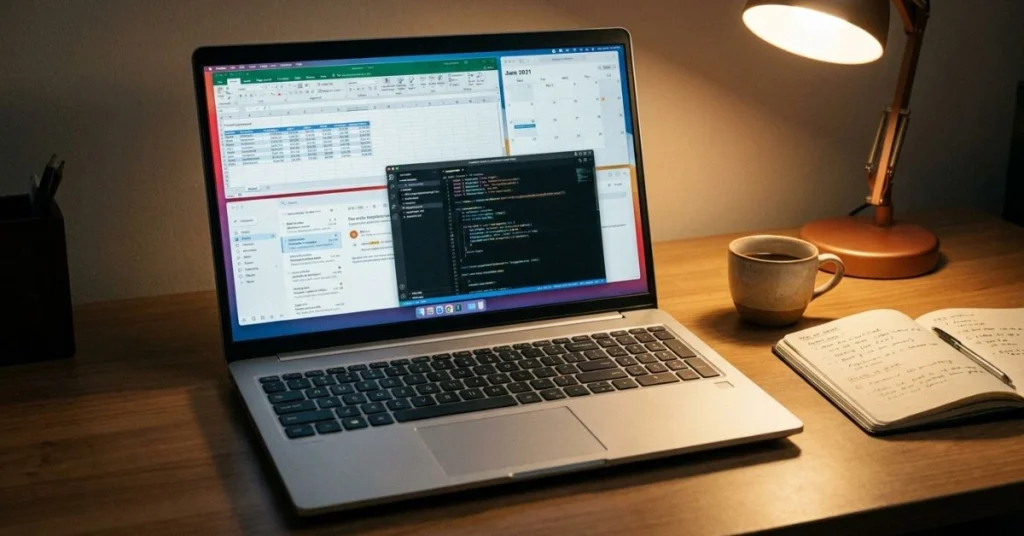
The HP 15.6″ Flagship is the practical workhorse of the group. The configuration shown lists at $1,069 with a 10-core Intel Core i7-1255U, 32GB of DDR4-3200 memory, and a generous 1TB NVMe SSD plus a 500GB external drive. The 15.6″ FHD IPS touchscreen and full-size keyboard with numeric keypad make it a comfortable daily driver, and it ships with Windows 11 Pro and Microsoft Office 2024 pre-installed.
Storage and memory configurations vary: a 16GB/1TB build is listed at $799, while a 64GB version reaches $1,429. For creators, the 32GB option at $1,069 is the value sweet spot.
Full Specifications
| Spec | Detail |
|---|---|
| Price (USD) | $1,069 (32GB/1.5TB) — also $799 (16GB) / $1,429 (64GB) |
| Processor | Intel Core i7-1255U, 10-core, up to 4.7 GHz |
| Graphics | Intel Iris Xe (integrated) |
| RAM | 32GB DDR4-3200 |
| Storage | 1TB PCIe NVMe SSD + 500GB external |
| Display | 15.6″ FHD 1920×1080 IPS touchscreen, BrightView |
| Battery | 3-cell 41Wh, up to 9 hours |
| Weight | 3.52 lbs |
| Connectivity | WiFi 6E, Bluetooth 5.3 |
| Ports | 1x USB-C 5Gbps, 2x USB-A 5Gbps, HDMI 1.4b, headphone/mic |
| OS | Windows 11 Pro + Office 2024 |
Real-World Performance
The i7-1255U paired with 32GB of RAM handles multitasking, photo editing, and 1080p video editing without strain. The FHD IPS touchscreen is sharp and pleasant for timeline work, though it’s a standard-gamut panel rather than a wide-gamut OLED, so professional color grading would benefit from calibration or an external monitor. The bundled 500GB external drive and Office license add real practical value for working creators.
Pros
- 32GB RAM and 1.5TB total storage at a reasonable price
- Windows 11 Pro and Office 2024 pre-installed
- Large 15.6″ touchscreen with full numeric keypad
- WiFi 6E, modern port selection, established US support network
Cons
- Standard-gamut FHD panel, not ideal for color-critical grading
- DDR4 memory is slower than the LPDDR5/LPDDR5x rivals
- Heaviest mainstream option at 3.52 lbs
Who Should Buy This
Creators who want maximum memory, storage, and a big touchscreen for general production work, and who value a familiar brand with wide service support.
Who Should NOT Buy This
Color-critical photographers and video editors who need wide-gamut accuracy, and anyone prioritizing a light, ultra-portable chassis.
Expert Verdict
The HP Flagship is the no-drama productivity pick: lots of RAM and storage, a big screen, and Office included. The screen is its weak link for color work.
Acer Aspire Premium 15.6″ FHD Laptop – 2026
Overview
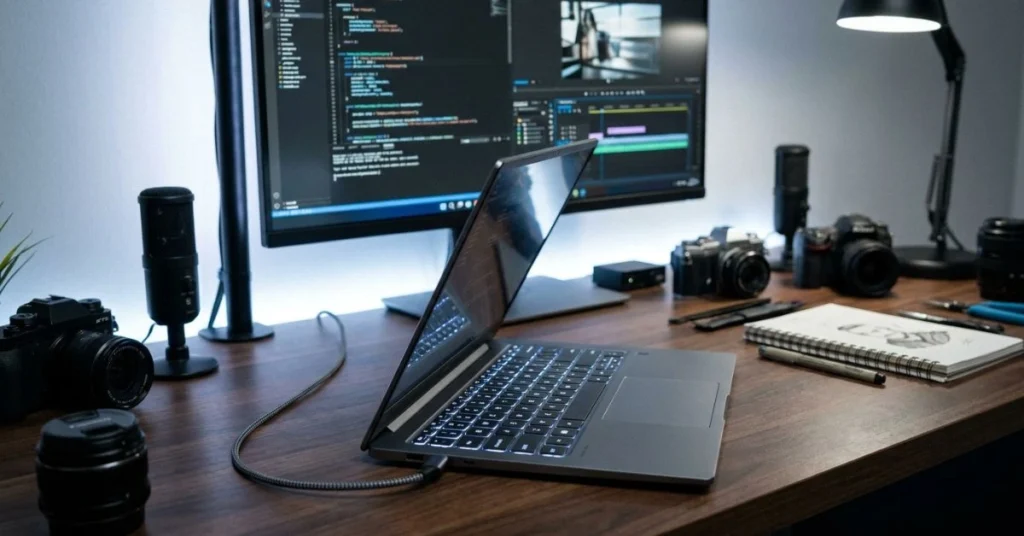
The Acer Aspire Premium is the memory-and-storage value play. The configuration shown lists at $1,049.99 with a 12th-gen Intel Core i7-1255U, an unusually large 40GB of RAM, and a 1TB PCIe x4 SSD. A 15.6″ FHD display, backlit keyboard, anti-glare coating, Thunderbolt 4, and a 65W USB-C charger round out a well-equipped package running Windows 11 Pro.
Acer offers many configurations on the same listing, from a $849.99 32GB/512GB build up to a $1,459.99 64GB/2TB version. The 40GB/1TB option is the standout for multitaskers who keep heavy projects open.
Full Specifications
| Spec | Detail |
|---|---|
| Price (USD) | $1,049.99 (40GB/1TB config) |
| Processor | Intel Core i7-1255U, 12th Gen, 10-core, up to 4.7 GHz |
| Graphics | Intel Iris Xe (integrated) |
| RAM | 40GB DDR4 |
| Storage | 1TB PCIe x4 SSD |
| Display | 15.6″ FHD 1080p, anti-glare |
| Ports | Thunderbolt 4 (DisplayPort), HDMI |
| Charger | 65W USB-C |
| Dimensions | 14.29 x 9.36 x 0.7 in |
| Connectivity | WiFi 6 |
| Battery | Confirm on Amazon |
| OS | Windows 11 Pro |
Real-World Performance
40GB of RAM is the headline: it lets you keep large Photoshop files, many browser tabs, and a video project open at once without paging to disk. The i7-1255U and Iris Xe handle photo and 1080p video work well, and Thunderbolt 4 means you can drive an external color-accurate monitor and fast storage. The built-in FHD anti-glare panel is functional for editing, like the HP; it isn’t a wide-gamut grading display.
Pros
- Huge 40GB RAM for heavy multitasking at this price
- Thunderbolt 4 for external displays and fast storage
- 1TB PCIe x4 SSD and anti-glare backlit keyboard
- Many configurations to match budget and needs
Cons
- Standard-gamut FHD panel limits color-grading accuracy
- WiFi 6 rather than the newer WiFi 6E/7 on rivals
- Integrated graphics only — no discrete GPU
Who Should Buy This
Multitaskers and creators who pair the laptop with an external monitor and who want the most RAM and Thunderbolt connectivity for the money.
Who Should NOT Buy This
Creators who need an accurate built-in display and won’t use an external monitor, and those wanting the latest wireless standards.
Expert Verdict
The Aspire Premium wins on raw memory and Thunderbolt for the price. Plan to add an external color-accurate monitor, and it will become a serious creator desk setup.
Lenovo IdeaPad 5 2-in-1 Convertible Laptop – 2026
Overview
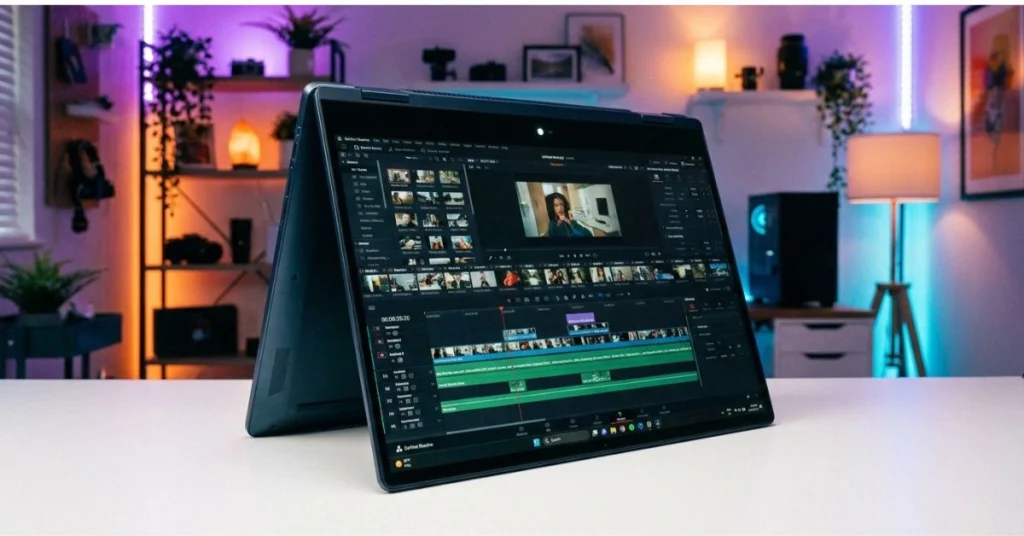
The IdeaPad 5 2-in-1 is the big-screen convertible of the group. It pairs a 16″ WUXGA IPS touchscreen with an Intel Core Ultra 7 255U (up to 5.2 GHz), 32GB of LPDDR5 memory, and a 1TB SSD plus a 2TB external drive in the configuration shown, listed at $1,199.99. A 1TB-only build is available at $999.99. The convertible hinge, backlit keyboard, and numeric keypad make it flexible for both desk and couch work.
At the top of our budget, it offers the largest screen and a modern Core Ultra chip, with a 1080P webcam that’s a small but welcome upgrade for creators who appear on camera.
Full Specifications
| Spec | Detail |
|---|---|
| Price (USD) | $1,199.99 (2TB config) / $999.99 (1TB config) |
| Processor | Intel Core Ultra 7 255U, up to 5.2 GHz |
| Graphics | Integrated |
| RAM | 32GB LPDDR5 |
| Storage | 1TB SSD + 2TB external |
| Display | 16″ WUXGA (1920×1200) IPS touchscreen |
| Webcam | 1080P |
| Form factor | 2-in-1 convertible |
| Connectivity | WiFi 6 |
| Other | Backlit keyboard, numeric keypad |
| Battery | Confirm on Amazon |
| OS | Windows 11 |
Real-World Performance
The Core Ultra 7 255U with 32GB of LPDDR5 is comfortable for photo editing, design, and 1080p video, and the 16″ WUXGA canvas gives editing timelines and design tools more room than the 13–15″ rivals. The 1080P webcam helps for streaming and calls. As a WUXGA IPS panel, it’s good rather than reference-grade for color, and integrated graphics again means heavy 4K rendering is CPU-bound.
Pros
- Largest screen here — 16″ WUXGA for spacious editing
- Modern Core Ultra 7 255U and 32GB LPDDR5
- Versatile 2-in-1 convertible with 1080P webcam
- Generous 1TB + 2TB storage in the top config
Cons
- Most expensive option at $1,199.99 in the 2TB config
- WUXGA IPS panel rather than a wide-gamut OLED
- WiFi 6 instead of newer 6E/7
Who Should Buy This
Creators who want the biggest screen and a flexible convertible at the top of the budget, especially those who stream or appear on camera.
Who Should NOT Buy This
Budget-focused buyers who don’t need 2TB of extra storage (the $999.99 build makes more sense), and color professionals needing an OLED panel.
Expert Verdict
The IdeaPad 5 2-in-1 is the big-canvas convertible pick. If you want screen real estate and flexibility, consider the cheaper 1TB build unless you genuinely need the extra storage.
At-a-glance comparison of the best creator laptops under $1200
| Laptop | Price (USD) | Key Spec | Best For | Rating |
|---|---|---|---|---|
| GEEKOM GeekBook X14 Pro | $1,034.10 | Core Ultra 9 + 14″ 2.8K OLED | Best all-round value | 4.7/5 |
| ASUS ProArt PZ13 | $1,159.99 | 13.3″ 3K OLED, 2-in-1 | Best display / illustration | 4.5/5 |
| HP 15.6″ Flagship | $1,069 | 32GB RAM + 1.5TB + Office | Best productivity workhorse | 4.3/5 |
| Acer Aspire Premium | $1,049.99 | 40GB RAM + Thunderbolt 4 | Best for multitasking | 4.4/5 |
| Lenovo IdeaPad 5 2-in-1 | $1,199.99 | 16″ WUXGA convertible | Best big screen | 4.3/5 |
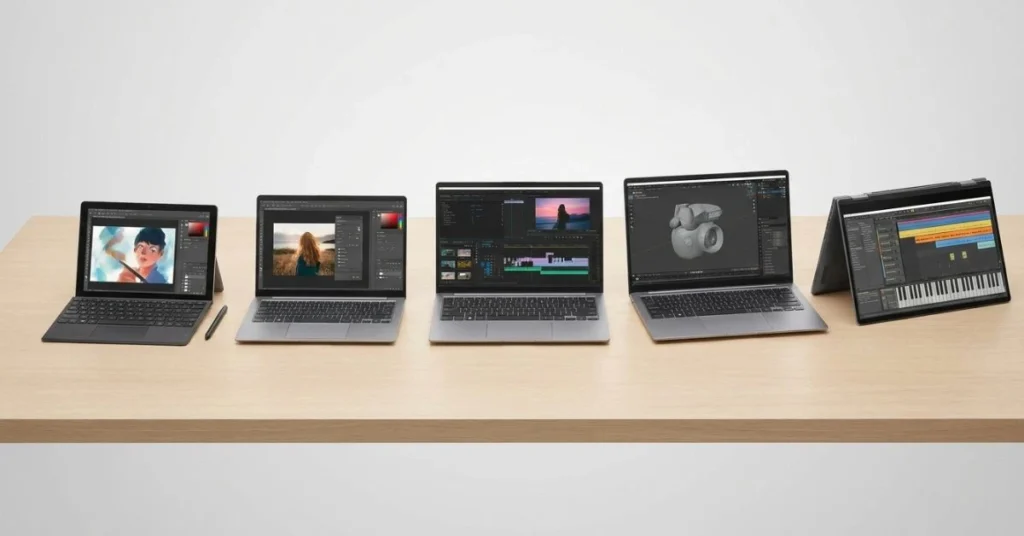
The pattern is clear once you line them up: the GeekBook and ProArt win on display quality, while the HP and Acer win on memory and storage. The Lenovo splits the difference with the largest screen but the highest price. There’s no single “best” — the best laptop for content creators under $1200 2026 depends on your workflow, which is exactly why matching the machine to your work matters more than chasing the highest spec number.
Country pricing and where to buy
Prices below are approximate conversions from the confirmed US listing prices; local taxes, import duties, and retailer markups vary. Always check the live local listing before buying. Our best laptops for college students guide tracks similar models across regions if you want more cross-market context.
| Region | Approx. price (GeekBook X14 Pro) | Where to buy |
|---|---|---|
| USA (USD) | $1,034 | Amazon.com, Best Buy, Newegg |
| UK (GBP) | ~£820 | Amazon.co.uk, Currys, Scan |
| Canada (CAD) | ~C$1,430 | Amazon.ca, Best Buy Canada, Canada Computers |
| Australia (AUD) | ~A$1,580 | Amazon.com.au, PLE, Scorptec |
| India (INR) | ~₹88,000 (+GST/import duty) | Amazon.in, Flipkart, Croma |
The US typically offers the best value on these specific models, since several are sold primarily through US Amazon sellers. UK buyers benefit from a 2-year legal warranty under consumer law, and Australian buyers are covered by the ACL warranty. Indian buyers should factor in GST and possible import duty, which can push effective prices higher than a straight conversion suggests.
Common mistakes creators make at this budget
- Buying the “gaming” label instead of the right tool. Consequence: you pay for a GPU you rarely use, or get a worse screen. Fix: decide if your work needs discrete graphics before you shop.
- Ignoring color gamut. Consequence: your edits look different on every other screen. Fix: prioritize OLED or wide-gamut IPS, or budget for an external calibrated monitor.
- Under-buying RAM. Consequence: stutter and slow exports with multiple apps open. Fix: target 32GB for serious multitasking; 16GB only for focused single-project work.
- Overlooking the Arm app compatibility. Consequence: a key plugin won’t run on a Snapdragon machine. Fix: Confirm your exact software has native ARM support first.
- Forgetting thermals. Consequence: a chip that throttles feels slower than its spec sheet. Fix: check sustained-performance and thermal reviews, not just peak clock speeds.
After years of covering products like this, the single best long-term move I can give a creator is to buy the best display and the most RAM you can afford, then plan to pair the laptop with an external monitor and fast external SSD as your needs grow. Displays and memory age the worst; you can always add storage and peripherals later. A machine bought for its screen and memory headroom stays useful for years, while one bought for a spec you’ll rarely use feels dated fast.
Frequently asked questions
What is the best laptop for content creators under $1200 in 2026?
For most creators, the GEEKOM GeekBook X14 Pro (around $1,034) is the best all-around pick, with a Core Ultra 9, a 14″ 2.8K OLED display, and a 2.2 lb build. The right choice depends on your work: OLED screens suit photo and design, more RAM suits heavy multitasking, and a bigger screen suits video timelines. All use integrated graphics, so they’re built for creation, not serious gaming.
How much RAM do content creators need in 2026?
16GB is the practical minimum for comfortable editing. 32GB is the recommended sweet spot for multitasking across creative apps and many browser tabs. The Acer Aspire here ships with 40GB, which gives extra headroom for very heavy projects.
Does an OLED screen matter for creative work?
For color-critical work, it matters a lot. OLED panels like those on the GeekBook X14 Pro and ProArt PZ13 offer deep contrast and rich, accurate color. If your built-in screen is a standard FHD IPS panel, consider calibrating it or using an external wide-gamut monitor for grading.
Will a Snapdragon laptop run my creative software?
Mainstream apps like Photoshop, Lightroom, and recent Premiere builds have native ARM versions that run well on Snapdragon X chips. Some older or niche plugins may run through emulation or not at all, so check your specific software and plugin stack before buying the ASUS ProArt PZ13.
Which of these laptops is the best value?
The GEEKOM GeekBook X14 Pro at around $1,034 offers the strongest combination of CPU, OLED display, and portability for the price. HP and Acer offer better value if your priority is maximum RAM and storage rather than screen quality.
Can these laptops handle 4K video editing?
They can edit 4K footage, but because they all use integrated graphics, complex 4K timelines with heavy effects will export more slowly than on a discrete-GPU laptop. For occasional 4K work, they’re fine; for daily heavy 4K rendering, look at a machine with a dedicated GPU.
Can these creator laptops handle gaming too?
Only lightly. Integrated graphics can run older or less demanding titles at modest settings, but none of these is built for serious gaming. They are creator and productivity machines first; if gaming is a real priority alongside creation, choose a laptop with a discrete RTX or RX GPU instead.
Final verdict: the best laptop for content creators under $1200
If you want one recommendation, the GEEKOM GeekBook X14 Pro is the best laptop for content creators under $1200 2026 has produced for most people. Its Core Ultra 9, 2.8K OLED screen, and 2.2 lb build make it an outstanding video editing, photo editing, and design machine that you can carry all day.
Choose the ASUS ProArt PZ13 if display quality and a tablet mode top your list, the Acer Aspire if you want 40GB of RAM and Thunderbolt 4 for productivity multitasking, the HP Flagship for maximum storage plus Office, and the Lenovo IdeaPad 5 2-in-1 if you want the biggest screen. All five are creator-first machines with light gaming as a bonus, not the focus.
Whichever you pick, buy for your actual workflow, prioritize the display and RAM, and you’ll have a machine that earns its keep for years. For deeper dives into the components inside these machines, our guides on the best CPUs and 4K monitors for editing are good next reads. You can also compare specs directly on the manufacturer pages: Intel Core Ultra and Qualcomm Snapdragon X.
Affiliate Disclosure: BuildWithPC is reader-supported. When you purchase through links on our site, we may earn an affiliate commission at no additional cost to you. Our reviews and recommendations are always honest and independent.