

Affiliate Disclosure: BuildWithPC is reader-supported. When you purchase through links on our site, we may earn an affiliate commission at no additional cost to you. Our reviews and recommendations are always honest and independent.
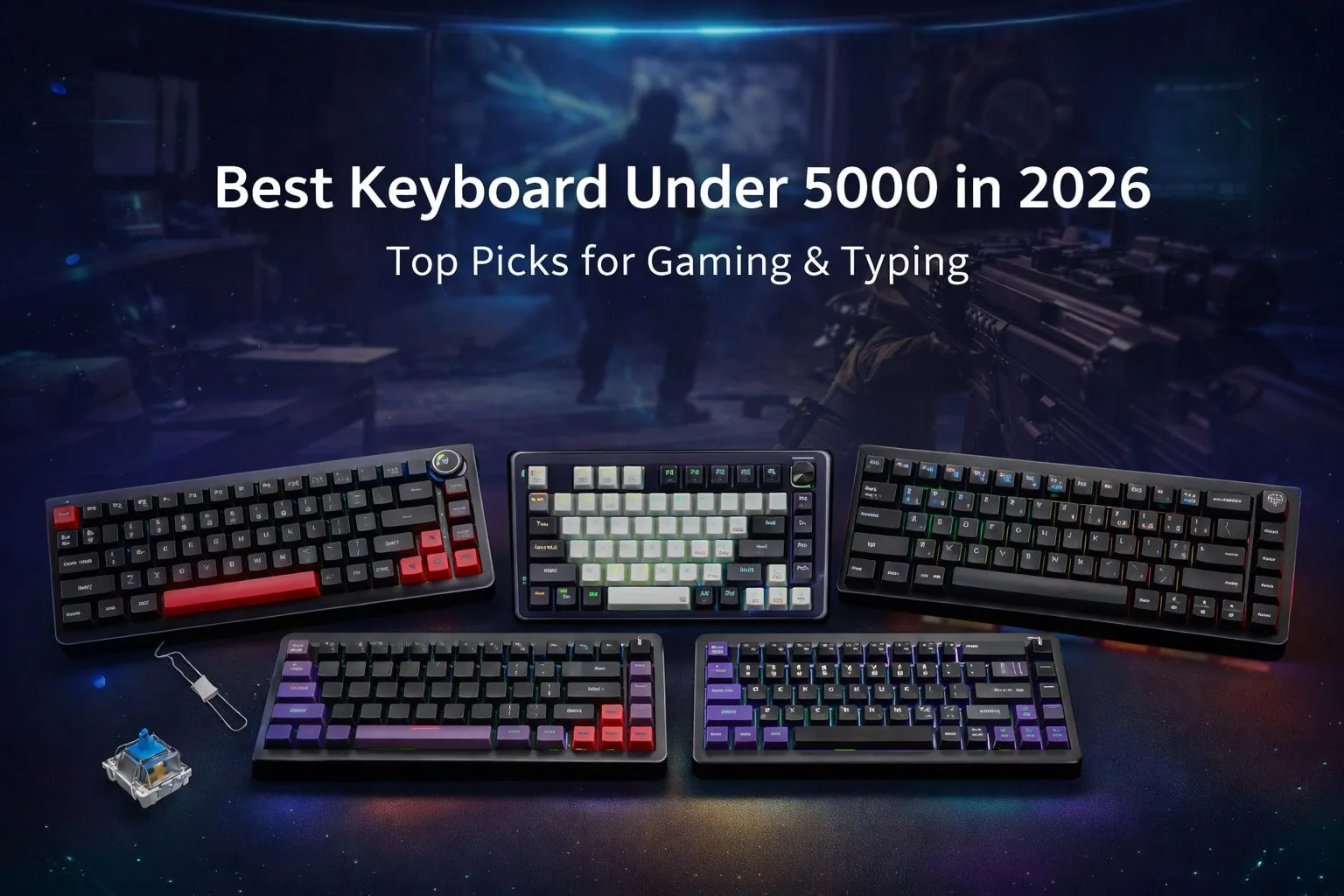
Best Gaming Keyboard Under 5000 If you are a gamer or if typing is your routine work, and want great gaming performance as well as comfortable typing without breaking the pockets for a bit more? Best Gaming Keyboard Under 5000 models are available with wireless, gasket mounting and hot-swap that were previously available in only premium level keyboards.
This guide is all about gaming responsiveness, typing comfort, sound appropriateness and the overall value in a keyboard Whether you prefer switch feedback for general typing or clicky switches for gaming will determine which direction to go.
Table of Contents
1: What to Expect From a Best Gaming Keyboard Under 5000
In 2026, the best gaming keyboard under 5000 delivers responsive switches, a compact layout such as 65% or 75%, and robust build quality to keep things steady while you game.
Most models offer hot-swap support now, so you can tweak the feel of your switches without any technical burden. You can also look for features like RGB lighting, sound-dampening layers and enhanced wireless performance, bringing more affordable keyboards to a point where they are better suited to both gaming and everyday typing.
2: Best Keyboard Under 5000 (2026 Top Picks)
2.1: DaWg HighKEY 718 (75% Wireless Mechanical Keyboard)

The daWg HighKEY 718 is a feature-rich 75% wireless mechanical keyboard designed for users who want a premium typing feel and gaming-ready performance under a budget-friendly price point.
Key Features
| Feature | Details |
|---|---|
| Layout | 75% Compact |
| Connectivity | Type-C, 2.4GHz, Bluetooth |
| Switches | Glacier Tactile, Hot-Swap |
| Build | Gasket mount, 5-layer sound absorption |
| Battery | 4000mAh, up to 30 days |
| Extras | Volume knob, software support |
Typing Experience
The gasket-mounted design and tactile switches deliver a soft, muted keystroke with excellent feedback, making long typing sessions comfortable and precise.
Pros & Cons
Pros: Premium sound profile, hot-swap support, strong battery life
Cons: No dedicated macro keys
Best For
Hybrid users who want smooth typing and responsive gaming performance.
2.2: Kreo Swarm 65 Wireless Mechanical Gaming Keyboard

The Kreo Swarm 65 is a compact 65% wireless mechanical keyboard built for gamers and typists who want premium acoustics, smooth switches, and multi-device flexibility at a competitive price.
Key Features
| Feature | Details |
|---|---|
| Layout | 65% Compact |
| Mount | Gasket-mounted |
| Switches | GTMX Sense Tactile, pre-lubed |
| Connectivity | Type-C, 2.4GHz, Bluetooth |
| PCB | Hot-swap |
| OS Support | Windows & macOS |
Typing Experience
Pre-lubed tactile switches and 5-layer dampening deliver a soft, controlled, and satisfying typing feel with minimal ping.
Pros & Cons
Pros: Excellent sound profile, tri-mode wireless, hot-swap
Cons: No dedicated function row
Best For
Hybrid users focused on gaming and daily typing.
2.3: Redragon K673 PRO 75% Wireless Mechanical Keyboard

The Redragon K673 PRO is a compact 75% wireless mechanical keyboard that blends gaming performance with everyday usability, offering gasket mounting, tri-mode connectivity, and a dedicated control knob at a competitive price.
Key Features
| Feature | Details |
|---|---|
| Layout | 75% (81 keys) |
| Connectivity | Type-C, 2.4GHz, Bluetooth |
| Switches | Mechanical (hot-swap) |
| Mount | Gasket with sound-absorbing pads |
| Controls | Dedicated volume knob |
| Lighting | RGB backlight |
Typing Experience
The gasket mount and dampening pads produce a softer, cleaner keystroke, while hot-swap switches allow easy customization for preferred feel.
Pros & Cons
Pros: Tri-mode wireless, knob control, hot-swap
Cons: Software feels basic
Best For
Hybrid users who want gaming performance with comfortable daily typing.
2.4: Kreo Swarm 75% Wireless Mechanical Keyboard (Black Purple – Starling Switches)

The Kreo Swarm 75% Wireless Mechanical Keyboard is a well-balanced option for users seeking a compact layout, premium acoustics, and flexible wireless connectivity for both gaming and typing.
Key Features
| Feature | Details |
|---|---|
| Layout | 75% Compact |
| Switches | Pre-lubed mechanical |
| PCB | 5-pin hot-swap |
| Sound | 5-layer sound absorption |
| Keycaps | Pass-through |
| Connectivity | Wireless with software support |
Typing Experience
Pre-lubed switches and layered dampening create a smooth, quiet, and comfortable typing feel suitable for long sessions.
Pros & Cons
Pros: Clean sound profile, hot-swap PCB, compact design
Cons: No dedicated macro keys
Best For
Hybrid users who want a refined typing feel with gaming-ready performance.
2.5: HyperX Alloy Core RGB USB Membrane Gaming Keyboard (HX-KB5ME2-US)

Introduction
The HyperX Alloy Core RGB is a durable membrane gaming keyboard designed for smooth gameplay, eye-catching RGB lighting, and everyday reliability at an affordable price.
Key Features
| Feature | Details |
|---|---|
| Type | Membrane keyboard |
| Lighting | Customizable RGB |
| Build | Reinforced plastic frame |
| Controls | Dedicated media keys |
| Connection | USB wired |
| Spill Resistance | Yes |
Typing Experience
Keys feel soft and quiet with consistent actuation, making it comfortable for long gaming and typing sessions.
Pros & Cons
Pros: Vibrant RGB, spill-resistant, quiet keys
Cons: No mechanical switch feel
Best For
Casual gamers and hybrid users who prefer silent typing with RGB flair.
3: Comparison Table
| Keyboard | Layout | Connectivity | Switch | Hot-Swap | Battery | Best For |
|---|---|---|---|---|---|---|
| daWg HighKEY 718 | 75% | Type-C, 2.4GHz, Bluetooth | Tactile | Yes | 4000mAh | Gaming & Typing |
| Kreo Swarm 65 | 65% | Type-C, 2.4GHz, Bluetooth | Tactile | Yes | Long-lasting | Competitive Gaming |
| Redragon K673 PRO | 75% | Type-C, 2.4GHz, Bluetooth | Mechanical | Yes | Solid | Hybrid Use |
| Kreo Swarm 75 (Starling) | 75% | Wireless | Mechanical | Yes | Good | Typing Focus |
| HyperX Alloy Core RGB | Full-size | USB Wired | Membrane | No | N/A | Casual Gaming |
4: Which Keyboard Should You Choose?
Which is the Best Keyboard under 5000 in India? The best keyboard under 5000 for a person depends on how are they going to use it. Advantages for gamers: low wireless latency, fast linear or speed switches, compact layouts (e.g., 65% or 75%) for better mouse movement.
Mechanical keyboard typists will appreciate the tactile feel of switches, gasket mounting and sound-damping layers that make typing more comfortable during marathon sessions. Hybrid users will be getting more tri-mode connectivity, hot-swap capabilities and balanced layouts that work well for both work and play.
Also take into account layout size, battery life and software support so the keyboard you’re choosing fits your desk setup and daily workflow in 2026.
5: Buying Guide – What to Look for Under 5000
In selecting the best keyboard under 5000 in 26, first thing that enters our mind is mechanical vs membrane.
If a mechanical board has you curious but the din of typing makes you hesitant, membrane keyboards can be more affordable and less noisy. And then, know your switch types — gaming leans linear, typing and playing embrace tactile and competitive gamers prefer speed.
Wired vs wireless is another consideration; wireless keyboards these days have low latency and cleaner setups, but wired options guarantee absolutely no lag. Finally, seek hot-swap and customizability capabilities that allow you to easily switch switches and future-proof your board.
6: Conclusion
The top gaming keyboard under 5000 in 2026 has got solid build, latest techs with eye-catching price. With wireless and mechanical options, hot-swappable switches and solid build quality, these keyboards are fit for gaming, typing or anything in between.
Pick based on your switch preference and layout requirements, and be sure to compare prices before you buy to find the best discount available.
7:Frequently Asked Questions (FAQ
Q1: What is the top 1 gaming keyboard?
There is no single top keyboard for everyone. The best gaming keyboard depends on your needs, but in 2026, wireless mechanical keyboards with hot-swap switches, low latency, and solid build quality offer the best overall value under 5000.
Q2: Is a 75% keyboard good for typing?
Yes, a 75% keyboard is excellent for typing. It keeps essential keys like arrows and function keys while saving desk space, making it comfortable for long typing sessions.
Q3: Is a 1000Hz keyboard good for gaming?
A 1000Hz polling rate is ideal for gaming, as it ensures faster input response and smoother gameplay, especially in competitive titles.
Also Read:
Best Keyboard for Typing Under 2000 in 2026
Best Gaming Keyboard Under 1000
Best Gaming Keyboard Under 3000
Best Gaming Mechanical Keyboard in 2026
Affiliate Disclosure: BuildWithPC is reader-supported. When you purchase through links on our site, we may earn an affiliate commission at no additional cost to you. Our reviews and recommendations are always honest and independent.